
Remove Cookie Banners and Ads from Website Screenshots
URLBooth removes cookie banners and ads from website screenshots without ever clicking accept. It blocks consent scripts and ad vendor requests before they load, then hides known banner and ad containers. Cleanup is on by default and best effort: pages that block automated browsers, and banners inside shadow DOM, are not cleaned.
Last updated: 2026-11-13
Before and after
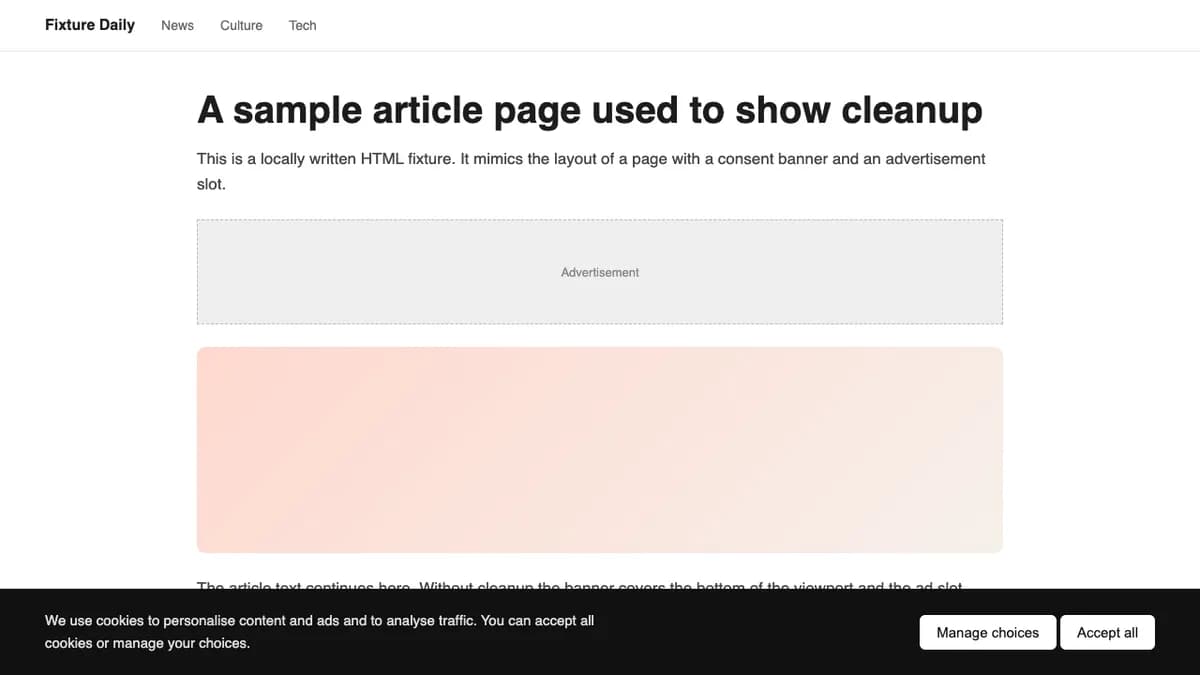
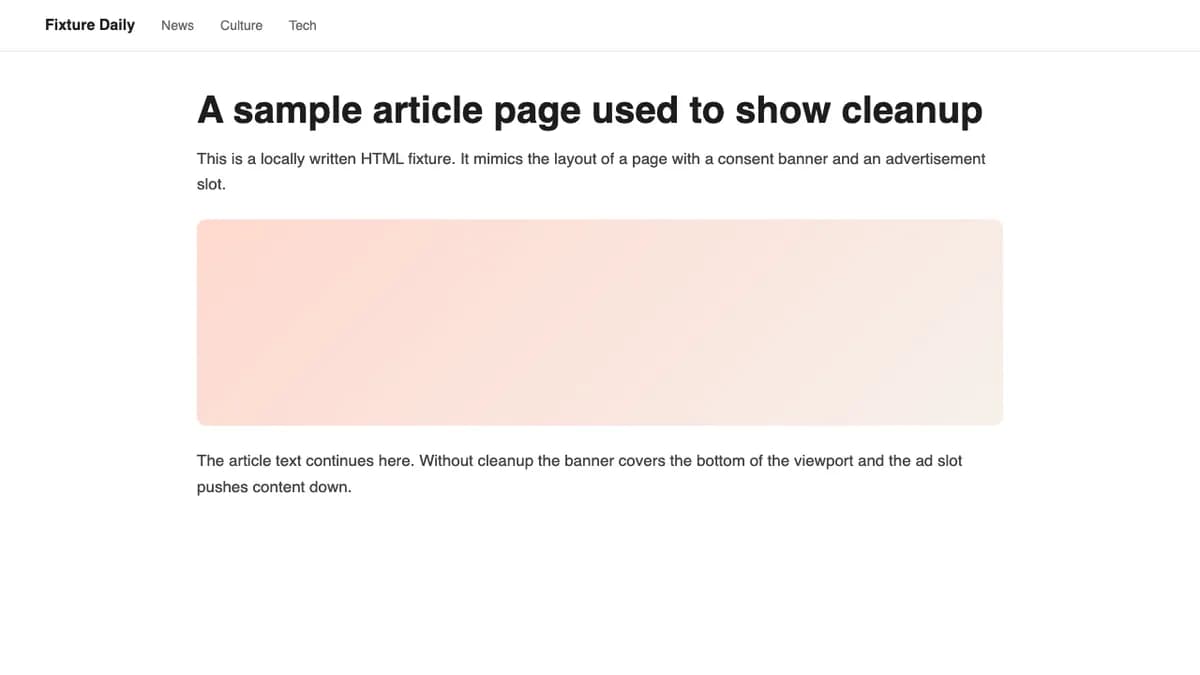
Both images are an illustration: a small HTML page we wrote with a cookie banner and an ad slot, rendered locally in Chrome. The second image applies the same cleanup stylesheet and script the API injects. They are not captures of a live site or of the hosted API.
How cleanup works
- Block, do not accept. Requests to known consent-management platforms (for example OneTrust, Cookiebot, Didomi, Sourcepoint, Quantcast Choice and TrustArc) and to ad networks, exchanges and tracking vendors are rejected inside the managed browser. When the consent script never loads, the banner is never built, even when it would sit in an iframe. URLBooth never clicks an accept button.
- Hide known markup. An injected stylesheet hides banners from known consent platforms, elements whose id or class contains names such as
cookie-bannerorconsent-modal, and ad containers such asins.adsbygoogleand Google Publisher Tag slots. Ad class names are matched as whole tokens (ad-slot, not any class that merely contains “ad”). Thehtmlandbodyelements are never hidden, because sites put state classes on them and hiding them would blank the page. - Sweep what the lists miss. For about 2.5 seconds after load a small script clicks buttons that decline or close a banner (labels such as “reject all” or “close”), collapses empty ad containers, and hides fixed-position bars that use cookie or consent wording and offer a choice.
Some ad and consent companies also run a public website. For those, only their service subdomains are blocked, so you can still screenshot the vendor’s own site.
Limits
- Cleanup is best effort and can alter page content. Check important pages.
- Pages that detect and block automated browsers may show a challenge or an error instead of the page. Cleanup cannot fix that.
- Banners rendered inside shadow DOM are not cleaned, and a banner from an unlisted platform with unusual wording may remain.
- Blocking ad and consent hosts can change what a page shows, for example when an ad-supported layout expects an ad to load.
- The rules are a maintained list, not a guarantee for every site.
Turn cleanup on or off
The cleanup option is a boolean and defaults to true. Send "cleanup": false when you want the page exactly as a visitor’s browser would load it. The API needs a Pro plan ($20 per month); see pricing and the API reference for all options.